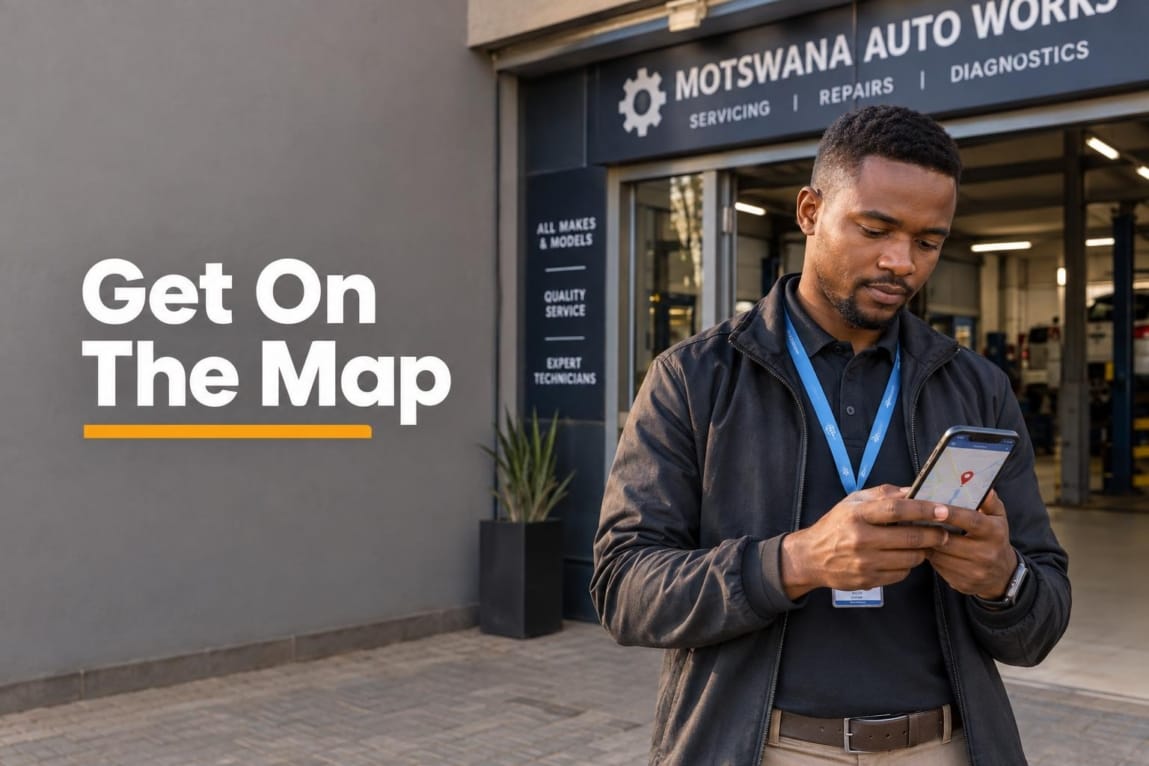

If you want local customers to find your business on Google Search and Google Maps, a Google Business Profile is a practical starting point. This Botswana-focused guide explains how to create or claim a listing, choose the right address setup, complete verification, and avoid errors that can delay your profile.
The key decision is simple: show a physical address only if customers can visit you there during your stated hours. If you travel to customers instead, set up your profile as a service-area business and keep your home or operating address hidden.
What Is a Google Business Profile (and Is It Really Free?)
Google Business Profile is Google’s tool for managing how an eligible business appears on Google Search and Google Maps. Your profile can display your business name, location or service area, telephone number, website, hours, photos, services, and customer reviews.
You can manage your business on Google Search and Maps at no charge. Creating, claiming, and verifying the profile is free. It does not guarantee a position in Google’s local results, but an accurate, complete profile gives nearby searchers a clear way to find and contact you.
For a Botswana business, that may mean appearing when someone searches for a service in Gaborone, Francistown, Maun, or another area you genuinely serve. The profile can support calls, website visits, direction requests, and other enquiries, while your website can provide a stronger path for customers who want to use WhatsApp or submit an enquiry form.
Who Is Eligible for a Google Business Profile in Botswana?
To qualify, a business must make in-person contact with customers during its stated hours. That can happen at a customer-facing premises, at the customer’s location, or through both models. Purely online businesses are not eligible, and a P.O. Box, private bag, or remote mailbox is not a qualifying business location. Review Google’s Business Profile eligibility requirements before creating a listing.
| Business type | Address visibility on Maps | Best for | Botswana example |
|---|---|---|---|
| Storefront | Show the physical address when customers can visit during stated hours. | Businesses with a reception point, shop, office, salon, workshop, or clinic. | A salon in a Gaborone shopping centre with walk-in customers. |
| Service-area business | Hide the address when customers do not visit there; add the towns or areas you serve. | Mobile, delivery, and on-site services. | A plumber who travels to clients across Greater Gaborone. |
| Hybrid business | Show the address only if customers are received there, and add service areas for travel work. | Businesses that serve visitors and also travel to customers. | An appliance repair workshop that accepts drop-offs and provides call-outs. |
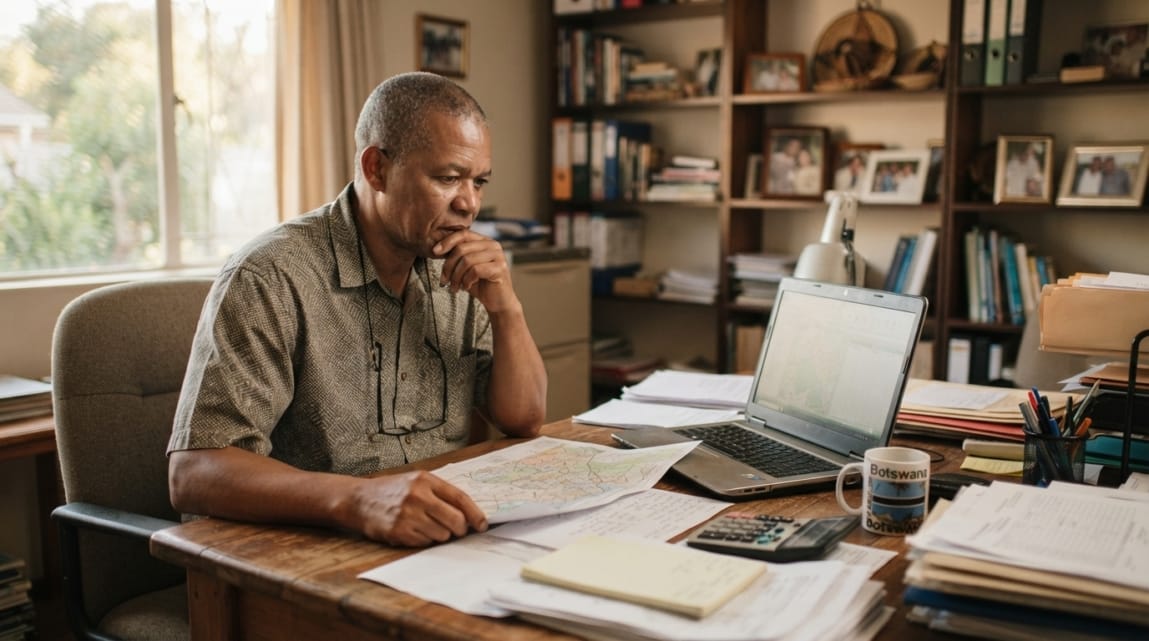
A home-based business can be eligible when it genuinely visits or meets customers in person. It should not display a residential address if customers are not received there.
Step-by-Step: How to Create and Claim Your Business on Google
Use a Google Account that your business can retain access to. Avoid setting up the profile under a former employee’s personal account without a clear handover plan. Then search for your business before adding anything new.
Step 1: Search and Claim or Add Your Listing
Search Google Maps and Google Search for your business name plus your town, such as your trading name and “Francistown.” Google may already show an unverified listing or an existing profile.
- If you find an unverified listing: choose the option to claim or manage it and follow the ownership process.
- If another person has already verified it: request access rather than creating a second listing.
- If no listing exists: select the option to add your business and complete the setup flow.
Google’s interface can change, but its instructions to add or claim a Business Profile explain the current ownership routes. Creating a duplicate pin for the same business and location can cause confusion and verification problems.
Step 2: Entering the Official Business Name
Use the name customers see on your signage, invoices, website, and other real-world branding. If your business trades as “Kgetsi Cleaning Services,” do not turn the profile name into “Kgetsi Cleaning Services Best Cleaners Gaborone Affordable.”
Adding location keywords, services, phone numbers, slogans, or promotional claims to the name is not permitted unless they are genuinely part of the business’s real-world name. Follow Google’s business representation guidelines and keep the name consistent across your core business channels.
Step 3: Selecting the Right Primary Category
Choose the most specific available category that describes your main business activity. For example, a business focused on plumbing should look for a plumbing-related category rather than choosing a broad category simply because it sounds more impressive.
Set one primary category for the core service customers should associate with you first. Add only relevant additional categories where they describe real, significant parts of the business. Categories help Google understand what you do; they are not a substitute for clear services, accurate information, and a useful website.
Step 4: Setting Physical Location vs. Service Area
For a storefront, enter the physical location as accurately as possible. In Botswana, include useful details such as plot number, building name, unit number, commercial park, or shopping centre where applicable. The aim is to help a visitor and Google identify a real, verifiable place—not to rely on informal directions alone.
For a mobile contractor, cleaner, consultant who visits clients, or other service-area business, remove or hide the address if customers do not visit you there. Instead, add the actual areas you serve, such as Gaborone, Tlokweng, Mogoditshane, Francistown, or Maun where relevant to your operations. Follow Google’s service-area business guidance: use named areas you genuinely serve, not a broad radius or every town in Botswana.
Step 5: Adding Botswana Contact Details and Website URL
Add a telephone number that customers can reach during business hours and use it consistently on your website and other important business listings. If you present your number in international format, Botswana uses the +267 numbering plan.
Link to an active page on your own website, ideally one that clearly confirms your services, location or coverage area, contact details, and enquiry route. Make sure the destination works well on a mobile phone. For practical guidance on contact paths, mobile usability, and lead capture, see these essential features for a Botswana business website.
How to Verify Your Google Business Profile in Botswana
Google decides which verification options to show for each profile. The choices can depend on factors such as business type, public information, region, and business hours. The options Google presents may include video recording, phone or SMS, email, live video call, or postcard mail; not every business in Botswana will receive every option. Check Google’s current verification options and timelines in the setup flow.
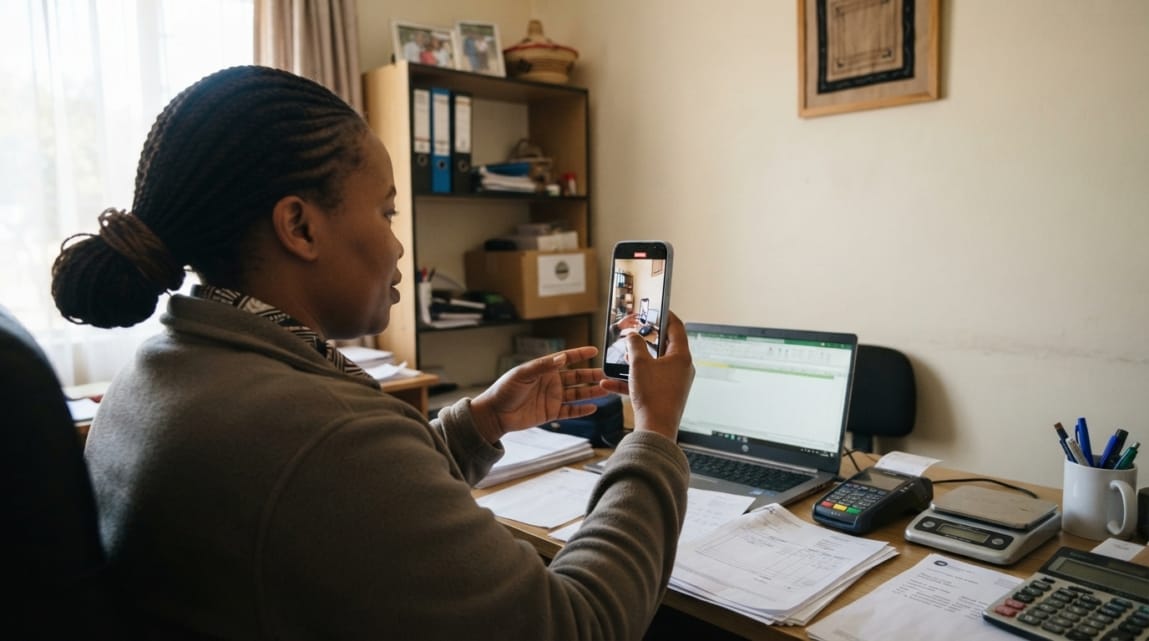
After you complete the requested verification steps, Google says review may take up to five business days. If Google offers postcard verification, the code most often arrives within 14 days. Allow extra time for exceptional cases, and do not create another profile while waiting.
If video verification is offered, prepare before you start. Google requires a single continuous recording made and uploaded through the Business Profile process, not an edited or pre-recorded clip. Review Google’s video-verification requirements and show evidence appropriate to your business model:
- Storefront: show nearby street or location markers, permanent exterior signage where available, entry to the premises, and business equipment or work areas.
- Service-area business: show evidence that you operate locally, such as tools, branded work equipment, a vehicle you can access, or materials used for the service.
- Proof of management: show that you can access the business premises, tools, vehicle, or systems as appropriate, without revealing passwords or confidential information.
Do not show identity documents, bank details, customer information, alarm codes, or other sensitive material. Avoid filming other people’s faces without permission. If verification fails, read the reason in your profile and submit the requested evidence again rather than guessing at a workaround.
Common Mistakes That Get Botswana Listings Suspended
Most setup delays are easier to prevent than to fix. Keep your information truthful, consistent, and tied to how the business operates in the real world.

- Using a P.O. Box or private bag as the location: postal addresses are useful for mail, but they do not prove a customer-facing or operational physical location. Use a real address only when customers are served there; otherwise use the service-area model.
- Keyword stuffing the business name: extra phrases such as “best,” “cheap,” service lists, or town names can conflict with Google’s naming rules. Use the established trading name.
- Choosing misleading categories: selecting unrelated categories to appear in more searches makes the profile less accurate. Describe what the business actually does.
- Creating duplicate profiles: a second profile for the same business and location can split reviews, mislead customers, and trigger enforcement. Request ownership of an existing listing instead.
- Using a virtual office without genuine customer-facing operations: a mailing address or rented virtual location is not automatically eligible. Shared offices and co-working spaces need to meet Google’s conditions for real, staffed business operations.
- Leaving details inconsistent: a different name, number, address, or operating hours on the website can create customer confusion. Review your main touchpoints for consistency.
What to Do Immediately After Verification
Verification makes the profile manageable; it is not the end of the work. Complete the details a local customer needs before calling or visiting:
- Add genuine exterior, interior, team, product, or completed-work photos that accurately represent the business.
- List core services or products in clear customer language.
- Confirm normal operating hours and update them for public holidays or temporary closures.
- Check the pin, address, service areas, phone number, and website link from a customer’s point of view.
- Ask real customers for honest reviews and respond professionally to feedback. Do not offer incentives in exchange for reviews.
- Keep profile information current when services, locations, contact details, or hours change.
Complete, accurate information can improve a profile’s chances of appearing for relevant local searches, although Google does not guarantee placement. See Google’s guidance on improving local ranking for its public advice on relevance, distance, and prominence. Businesses that need help sustaining this work can explore ongoing local SEO support in Botswana.
Next Steps: Turning Local Visibility into Real Inquiries
A correctly verified profile helps customers discover a legitimate business, but it works best when the name, address or service area, phone number, hours, photos, reviews, and website all tell the same clear story. Set up the profile carefully, keep it accurate, and make it easy for a customer to take the next step.
If you need help connecting local search visibility with a conversion-ready website, speak with Lephutshi Developers about local visibility and website integration. The goal is not simply to be listed, but to give local prospects a reliable route from Google to a useful enquiry.
Recommended Reading
FAQ
- How long does Google Business Profile verification take in Botswana?
After you complete the required verification steps, Google says review can take up to five business days. If postcard verification is offered, the code most often arrives within 14 days, although exceptional cases can take longer. - Can I set up a Google Business Profile without a physical storefront in Botswana?
Yes, if you meet customers in person at their locations during your stated hours. Set up a service-area business, hide the home or operating address when customers do not visit there, and add the areas you genuinely serve. - How do I claim my business on Google?
Search for your business name on Google Search or Google Maps first. If an existing listing appears, use the claim or ownership request option; if no listing exists, add the business and complete the verification method Google offers. - Is a Google Business Profile free in Botswana?
Yes. Creating, claiming, managing, and verifying an eligible Google Business Profile is free. A profile can help customers find your business on Google Search and Maps, but it does not guarantee local ranking or enquiries. - Why can’t I use a P.O. Box address for my Google Business listing?
A P.O. Box or private bag is a postal address, not a verifiable physical business location. Google requires an eligible business to have genuine in-person customer contact, either at a customer-facing location or at customers’ locations as a service-area business.