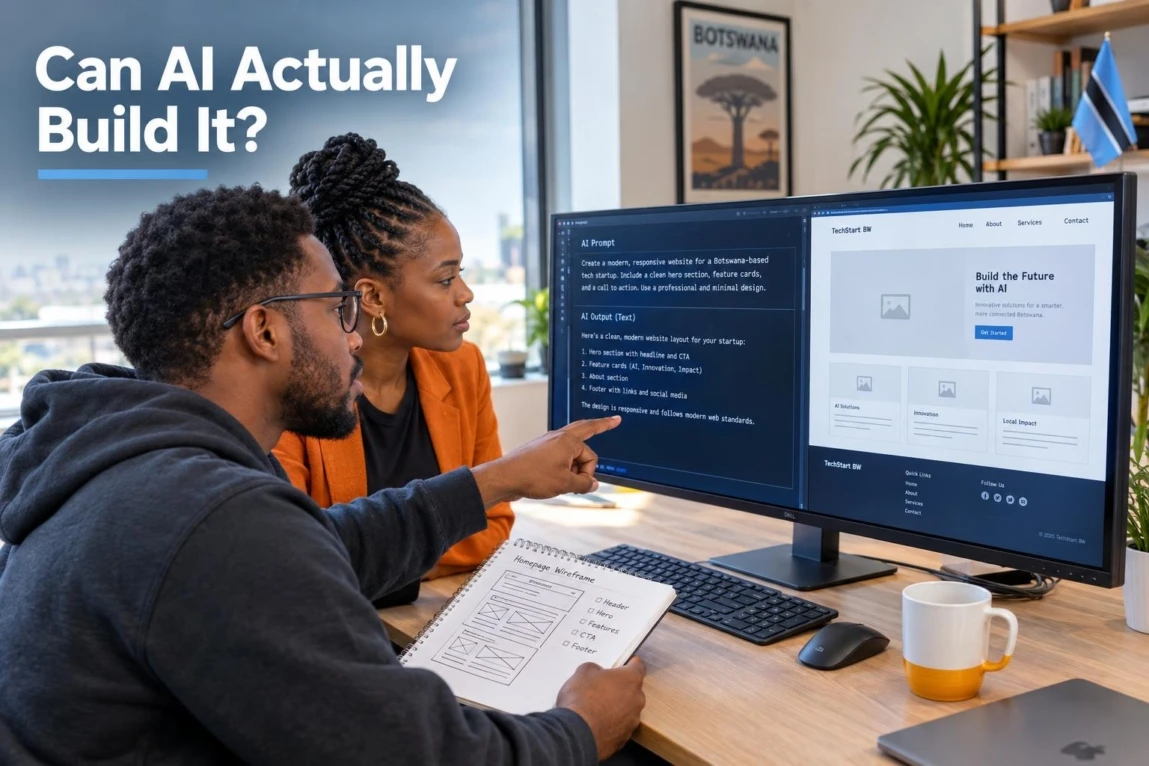

If you are asking can ChatGPT build a website, the honest answer is: it can help create important parts of one, but it does not automatically deliver a ready-to-run business website. ChatGPT can draft copy, suggest page structures, write HTML, CSS and JavaScript, and help diagnose code. Turning that output into a secure, fast, searchable website that generates enquiries still requires business decisions, setup, testing and ongoing ownership.
For a Botswana business, the difference matters. A homepage that looks convincing in a browser preview may still fail to explain your offer, work well on a customer’s phone, send leads to the right WhatsApp number, appear in local searches, or connect safely to the tools your team uses.
The Short Answer: Can ChatGPT Actually Create a Website?
ChatGPT can generate the building blocks of a website: written content, semantic HTML, CSS styles, simple JavaScript interactions, page outlines and troubleshooting advice. With the right instructions, it can produce a usable static landing-page draft.
However, a chat response is not the same as a deployed website. A live business site also needs a domain, hosting, server or CMS configuration, tested forms, analytics, search setup, security controls, backups and maintenance. Some AI coding-agent products can work with connected repositories and development workflows, but they still need a person to grant access, direct the work, review changes and take responsibility for production decisions.
- ChatGPT can help create: page copy, wireframes, HTML/CSS components, basic JavaScript, FAQs, metadata drafts and code fixes.
- ChatGPT does not automatically know: your best customers, offer, service area, sales process, brand proof, integration requirements or operational risks.
- A business-ready site needs: implementation, validation, measurement and a clear customer journey—not only generated code.
The Real-World Test: What ChatGPT Can Successfully Produce
A useful way to assess AI website development is to give it a controlled brief, then audit the result rather than judging it by appearance alone. For example: “Create a mobile-first homepage for a Gaborone service business. Include a clear service offer, enquiry form, WhatsApp contact option, service-area wording, FAQs and a simple call to action.”
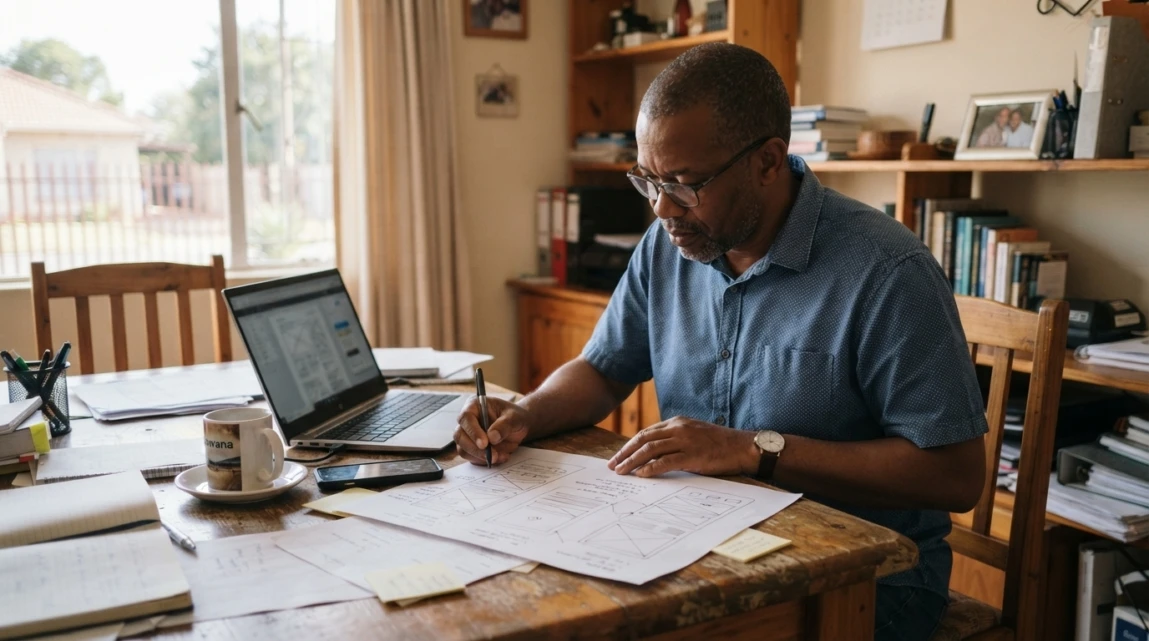
That prompt can produce a credible first draft quickly. The audit starts when you ask: Is every claim true? Does the offer match what customers actually ask for? Does the form work? Is the page usable on a small screen? Can a search engine access important content? Does a real enquiry reach the right person?
Drafting Website Copy and Content Structure
AI is useful for getting past a blank page. It can propose hero headlines, service summaries, common customer questions, page sections and calls to action. A stronger prompt supplies facts: your actual services, locations, audience, differentiators, proof points and preferred enquiry method.

For instance, ask AI to create three headline options from a specific promise, then select and rewrite the strongest one. Do not ask it to invent your value proposition. Without local knowledge, it often defaults to broad phrases such as “quality solutions” or “trusted service,” which say little to a potential customer.
AI-generated copy also needs fact-checking. Google’s guidance on using generative AI content makes the important distinction: AI-assisted content can be useful, but it must meet quality expectations and must not be scaled into low-value or misleading pages.
Generating Code: HTML, CSS, and Simple JavaScript
ChatGPT can write a basic semantic page structure, responsive CSS rules, navigation menus, accordion FAQs and simple front-end interactions. It can also explain an error message, suggest a CSS fix or create a starter component for a developer to adapt.
Its output is most useful as a starting point. A generated contact form may look complete but still need a secure server-side handler, spam protection, confirmation messages, email delivery testing and privacy decisions. A responsive layout may work at one browser width while breaking on a smaller phone, with larger text, or with a keyboard instead of a mouse.
The practical lesson is simple: AI can accelerate production of a draft; it does not prove that the draft is ready for customers.
What AI Does Not Know About Your Business: The Missing Strategic Layers
A website is not just a collection of sections. It is a customer-facing business system. AI can only work from the information you provide, and it cannot independently verify whether its assumptions fit your market, operations or customers.
Customer Research and Competitive Positioning
AI can summarise patterns found in its training data, but it cannot interview your customers, listen to sales calls or reliably identify why someone chooses you over another provider in Gaborone, Francistown or elsewhere. Those insights shape the pages people need, the objections they have and the proof they expect before making contact.
Before using AI for a website draft, write down the questions your customers ask before buying, the problems they want solved, the exact services you offer, the areas you serve and what happens after they enquire. This gives the tool usable source material and gives you a standard against which to review its output.
Conversion Architecture and Trust Decisions
A polished layout is not automatically a conversion path. A service website may need one primary action, such as requesting a quote or starting a WhatsApp conversation, supported by clear phone and email details. It may also need service-specific proof, practical FAQs, a map or location context, response expectations and clear next steps.
Those are judgement calls. Placing a WhatsApp button everywhere may be helpful for one business and distracting for another. An online booking system only helps if someone can manage appointments. An ecommerce checkout only helps if product, payment, delivery and support processes are ready behind it.
For more local planning considerations around mobile usability, customer communication and implementation choices, see these Botswana web design trends and best practices.
Accessibility, Performance, and Quality Assurance (QA)
Generated code must be tested, not trusted on sight. A practical QA review checks whether navigation works with a keyboard, form fields have clear labels, text has sufficient contrast, error messages are understandable, buttons are easy to tap and content remains readable when users zoom in. These are practical applications of the Web Content Accessibility Guidelines (WCAG) 2.2.
Performance also needs measurement on real devices and connections. Loading speed, interaction responsiveness and layout stability are examples covered in Google’s Core Web Vitals guidance. A visually plausible AI draft has not automatically passed those checks.
Technical SEO belongs in the same review. Titles, headings, internal links, crawlable content and page rendering must support how people and search engines use the site. JavaScript can be used successfully, but generated JavaScript still needs validation because rendering and resource problems can affect visibility; review Google’s guidance on JavaScript search issues when diagnosing those problems.
Integrations, Security, and Long-Term Maintenance
The work continues after the page is written. A live site may need domain and DNS configuration, SSL, backups, software updates, email delivery, analytics, a CRM, booking tools, payment workflows or database connections. If you use a .co.bw domain, a local payment option or a third-party platform, confirm the current technical and commercial requirements directly with the relevant provider before building around it.
Forms, logins, payment connections, dependencies and hosting settings introduce risks that front-end code alone cannot solve. The OWASP Top 10 web application security risks is a useful awareness framework for issues such as access control, insecure configuration, injection and supply-chain exposure. It is not a substitute for a security review, but it explains why “the page works” is not a complete launch test.
Comparison: AI Website Generation vs. Professional Web Development

AI-only and professionally developed sites are not opposites in every case. Many developers use AI during delivery. The meaningful comparison is between a DIY process where the owner carries the technical and strategic responsibility, and a process where an experienced team plans, builds and tests around business requirements.
| Dimension | DIY with ChatGPT / AI | Professional Web Developer |
|---|---|---|
| Setup and hosting | You choose and configure the domain, hosting, deployment and email delivery. | Setup is planned around the chosen platform and documented for the business owner. |
| Custom strategy and UX | Depends on the quality of your brief and your ability to judge the output. | Customer journeys, information hierarchy and business goals are deliberately considered. |
| Search engine optimization | AI can draft content and code, but you must validate indexing, structure and relevance. | SEO foundations can be included in architecture, content structure and technical checks. |
| Technical maintenance | You remain responsible for updates, backups, bugs and vendor changes. | Responsibilities can be defined for maintenance, support and handover. |
| Conversion focus | Often starts with a template or visual output. | Can be designed around enquiries, purchases, bookings or another defined action. |
| Typical best use case | Learning projects, simple temporary pages, prototypes and low-risk experiments. | Business-critical websites, integrations, ecommerce and growth-focused lead generation. |
Low initial cost does not remove the need for domain ownership, testing, integrations, maintenance and owner time. If you are weighing a self-built option against a planned site, this guide to DIY versus professional website design options provides a useful next comparison.
When Using ChatGPT for Your Website Makes Sense
Using ChatGPT yourself makes sense when the consequences of mistakes are low and you are prepared to learn and test. It can be a sensible assistant for:
- brainstorming page names, headlines and FAQ topics;
- creating a content outline for a developer or designer;
- building a simple personal or hobby project;
- drafting placeholder copy that you will replace with verified business information;
- generating a small HTML/CSS experiment; and
- explaining a specific coding error or suggesting a fix to test.
It is a weaker fit when your website processes payments, collects sensitive information, depends on reliable lead handling, needs custom systems or represents a major part of your reputation. In those cases, AI can still reduce drafting time, but it should not be the only quality-control process.
How Strategic Developers Use AI Without Outsourcing the Strategy
AI is most valuable when it removes repetitive work while people retain responsibility for the decisions that affect customers. Developers may use it to explore interface ideas, draft boilerplate, explain unfamiliar code, create test cases or speed up documentation. Modern coding-agent tools can also support broader repository workflows; OpenAI’s overview of Codex coding-agent workflows illustrates how these tools are evolving.
The strategic work remains human: clarifying your offer, choosing the right platform, designing the enquiry path, reviewing brand language, testing on devices, checking search foundations, connecting services safely and deciding who maintains the site. AI can propose options, but it cannot own the consequences of a poor business decision.
If your website needs to support meaningful enquiries, complex workflows or future growth, consider discussing its actual job before choosing a build method. Lephutshi Developers offers strategic web design and development for Botswana businesses where the focus is on the customer journey and practical implementation, not merely producing pages.
Actionable Next Steps: Deciding Your Website Path
- Evaluate your technical bandwidth. Identify who will buy the domain, publish the site, fix a broken form, update content and restore a backup if needed.
- Calculate the cost of invisibility or downtime. Consider what happens if customers cannot find your services, a mobile page fails or enquiries go unanswered for days.
- List every integration. Include WhatsApp, email, forms, analytics, bookings, stock, payments, CRM tools and any internal process the site must support.
- Choose the build path that matches the risk. Use AI for low-risk drafts and learning. Use structured professional support when the website has to earn trust, handle operations or generate business-critical enquiries.
ChatGPT can build useful website components, and it can make a capable owner or developer faster. It cannot, by itself, determine what your customers need, publish a properly governed business system or prove that a website is accessible, secure, visible and effective. Use it as an assistant, then test the result against the real work your website must do.
When a website needs to turn attention into reliable enquiries or support a live business process, Lephutshi Developers can help you define the right path through strategic web design and development for Botswana businesses.
Recommended Reading
- Free Website for Small Business: DIY vs Professional Design
- Web Design and Development Trends in Botswana: 2026 Guide
FAQ
- Can ChatGPT build a complete website for free?
ChatGPT can generate website code at no direct code-generation cost on some plans, but a live website still needs a domain, hosting and time to deploy, test and maintain it. Some tools and integrations may also have their own costs. - Can AI create a website without coding knowledge?
Specialised AI website builders can help non-coders publish a simple site, but ChatGPT output usually still needs someone who can copy files, configure hosting, test forms and resolve errors. No-code does not mean no decisions or maintenance. - Which AI is best for designing a website?
The best tool depends on the job. ChatGPT is useful for copy, planning and code assistance, while dedicated website builders may be easier for simple publishing. For a business-critical website, assess the platform’s editing, SEO, integration, ownership and support options before choosing it. - Is AI replacing professional web designers and developers?
AI is changing repetitive drafting and coding tasks, but it does not replace the need for customer research, UX judgement, brand positioning, testing, secure integrations and accountability. Strategic designers and developers use AI as an accelerator rather than handing over those responsibilities. - Can an AI-generated website rank on Google?
An AI-generated website can be indexed and may earn visibility if it provides helpful, accurate content and is technically accessible. AI-generated text or code alone does not guarantee indexing, rankings or customer enquiries.