
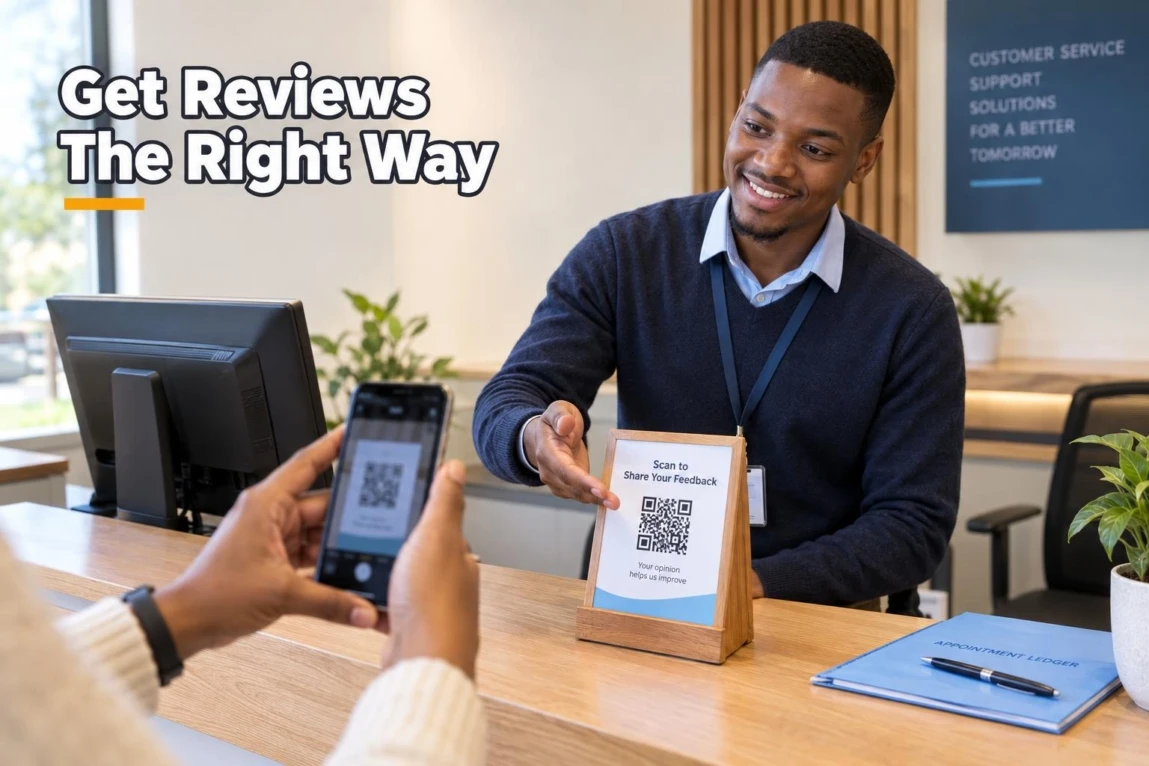

Customers may tell you they are happy, then forget to leave a review once they have moved on. The practical answer to how to get more Google reviews is to make asking part of your service handover: deliver a good outcome, ask when satisfaction is fresh, send a direct review link or show a QR code, and follow up once politely. The goal is genuine feedback from real customers—not pressure, rewards, or selectively asking only people likely to give five stars.
Direct Answer: The Fastest, Safest Way to Earn More Google Reviews
Use a simple four-step process after each completed sale, appointment, delivery, or project milestone:
- Deliver the promised outcome. A review request works best when the customer has experienced the value of your product or service.
- Ask at the peak satisfaction moment. Thank the customer at checkout, handover, or completion, then ask for an honest Google review.
- Remove friction. Send a direct Google review link by WhatsApp, SMS, or email, or display a QR code at the counter.
- Follow up once. If they have not responded, send one courteous reminder. Do not chase, pressure, or repeatedly message them.
Consistency matters more than an aggressive campaign. A routine that invites every genuine customer to share honest feedback is more credible and sustainable than trying to create a sudden burst of reviews.
Why Google Reviews Dictate Local Business Visibility
Google reviews help potential customers decide who to call, visit, or message. For a Botswana salon, contractor, restaurant, clinic, retailer, or professional service, a well-managed review profile can make a Maps listing feel more trustworthy before a person ever contacts the business.
Reviews are also part of local visibility, but they are not the whole ranking system. Google’s local ranking guidance explains that local results are mainly based on relevance, distance, and prominence; more reviews and positive ratings can help prominence. A complete profile, the searcher’s location, the business category, and accurate information still matter.
For a fuller view of the wider mix of signals, see these Google Maps ranking factors. Think of reviews as evidence of customer experience and local prominence, not a guaranteed route to a particular Local Pack position.
Google Review Rules: What You Can and Cannot Do
Google allows businesses to ask customers for honest reviews. However, its Google Maps policy on fake engagement and rating manipulation prohibits practices that distort feedback, including incentives, selective solicitation, conflicts of interest, and manufactured review activity.
| Tactic | Compliant? | Platform risk level | Best-practice alternative |
|---|---|---|---|
| Ask every genuine customer for an honest review after service | Yes | Low | Use the same simple request process for all customers. |
| Send a direct review link by WhatsApp, SMS, or email | Yes | Low | Make the request optional and easy to ignore. |
| Display a QR code on a receipt or counter sign | Yes | Low | Invite feedback without asking for a specific star rating. |
| Offer a discount, gift, cash, or prize-draw entry for a review | No | High | Thank customers for their business without tying any reward to a review. |
| Ask only happy customers to post publicly while directing unhappy customers elsewhere | No | High | Invite honest feedback from all customers and resolve service issues fairly. |
| Ask employees, owners, or close associates to review the business | No | High | Collect reviews only from independent customers with real experiences. |
| Pressure customers to review while they are on the premises or tell them what to write | No | High | Give them the link and let them decide privately, in their own words. |
Do not promise rewards for positive feedback, request a particular rating, or create unusual patterns that could appear manipulated. Google may remove policy-violating content and can apply other Business Profile restrictions for policy violations, depending on the situation.
How to Create Your Direct Review Link and QR Code
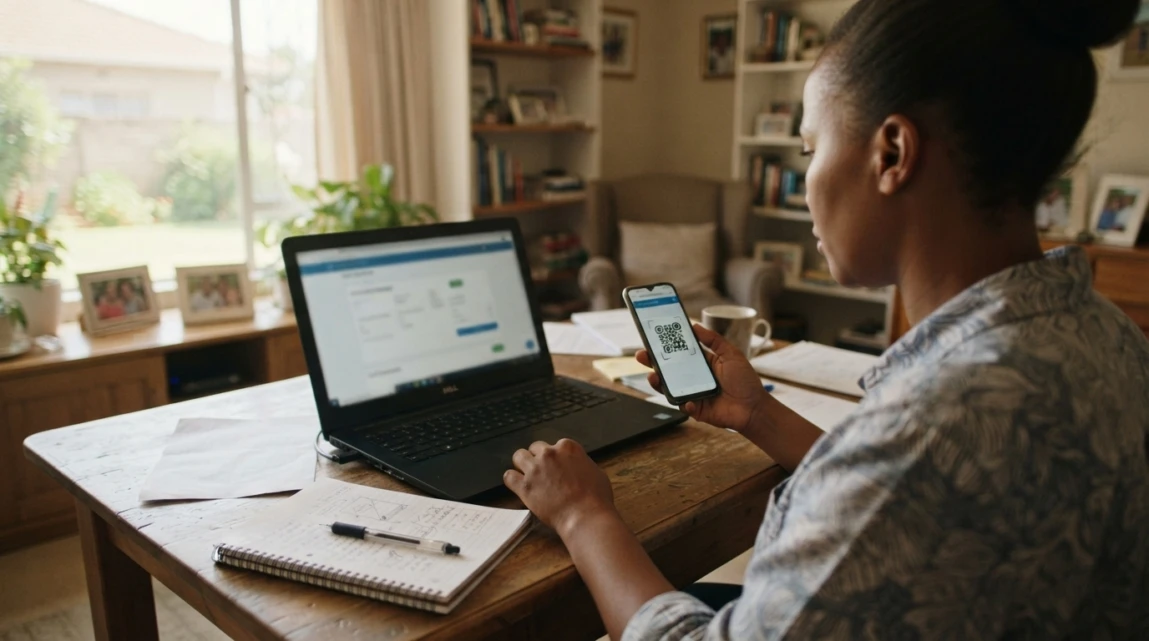
A direct link takes the customer straight to the review prompt, rather than asking them to search for your business. Google’s current desktop workflow is:
- Sign in to the Google account that manages your Business Profile.
- Open your Business Profile in Google Search.
- Select Read reviews.
- Select Get more reviews.
- Copy the review link to use in messages, invoices, thank-you emails, or receipt text.
- Download or share the QR code for printed counter displays, packaging inserts, or service handover documents.
- Test the link and QR code on a phone before sharing them with customers.
Google documents this process in its instructions for creating a review link or QR code. At present, Google says QR codes can be generated in a computer browser, not through the mobile interface.
If you cannot access the profile or it has not been verified, first set up and verify your Google Business Profile in Botswana. A review campaign cannot compensate for an unclaimed or incomplete listing.
When Is the Best Time to Ask Customers for a Review?
Ask when the customer has just seen the result you promised. This is the “peak satisfaction” moment: the point where the service is complete, the product has been received, or the problem has been solved.
- Retail, hospitality, salons, and restaurants: ask at checkout or shortly after the visit, then send the link when appropriate.
- Delivery-based businesses: ask after the customer confirms that the order arrived correctly.
- Contractors, agencies, and B2B services: ask after a completed milestone, approved handover, or successful project close-out.
- Professional services: ask after resolving the matter, not while the customer is still waiting for an outcome.
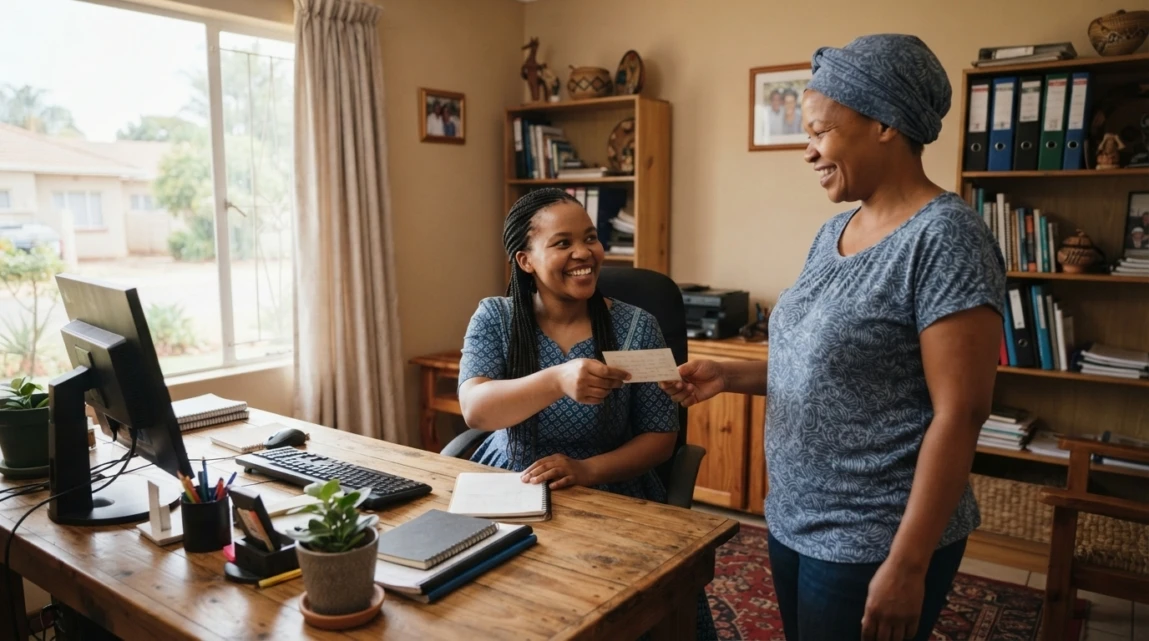
A useful verbal introduction is: “Thank you for choosing us. If you have a minute later, we would appreciate an honest Google review. I can send you the link on WhatsApp.” It prepares the customer without putting them on the spot.
Ready-to-Use Review Request Scripts for Botswana Businesses
Personalise the name, service, and link. Keep the request honest and brief. These templates work well where customer communication already happens by phone, WhatsApp, SMS, or email.
WhatsApp Review Request Script (Friendly & Direct)
Message: Hi [Customer Name], thank you for choosing [Business Name] for [service/product] today. We hope everything met your expectations. If you have 60 seconds, please share an honest Google review here: [Review Link]. We appreciate your feedback.
SMS Review Request Script (Short & Punchy)
Message: Hi [Name], thanks for choosing [Business]. Please share an honest Google review: [Short Link]. Thank you.
Professional Email Follow-Up Script (B2B & Corporate)
Subject: Thank you for working with [Business Name]
Dear [Customer Name],
Thank you for the opportunity to assist with [project/service]. Your feedback helps us improve and helps other customers make informed decisions. If you are willing, please leave an honest review on Google using this link: [Review Link].
Kind regards,
[Name and Business Name]
Use one channel that matches the customer relationship. For example, a repair business may send WhatsApp after collection, while a consultant may use a completion email. Sending the same request through several channels at once can feel intrusive.
How to Respond to Google Reviews (Both Good and Bad)
Replying shows prospective customers that a real business is listening. Follow Google’s guidance on getting and responding to reviews by keeping responses professional, helpful, and privacy-safe.
For positive reviews, thank the customer by name where appropriate and refer naturally to the service they mentioned. Avoid copying the same reply word for word; a short, genuine response is enough.
For a negative review, use this calm process:
- Acknowledge: thank them for raising the concern and recognise their experience without arguing.
- Apologise where appropriate: express regret that their experience did not meet expectations.
- Take it offline: offer a phone number or email address so you can investigate and resolve the issue privately.
- Review the facts internally: check the booking, order, delivery, or staff handover before responding further.
- Improve the process: look for a service issue that should be corrected, even if the review feels unfair.
Do not disclose customer details, accuse the reviewer, or debate the full issue publicly. A measured reply is for both the reviewer and every future customer reading the listing.

How to Measure and Track Review Growth
Review collection is easier to manage when you track a few useful indicators monthly:
- New reviews received: the number of genuine reviews added during the month.
- Average rating: a broad signal of customer sentiment, considered alongside the written feedback.
- Response rate: the proportion of reviews your team has acknowledged or addressed.
- Recurring themes: repeated praise or complaints about wait times, communication, pricing clarity, delivery, or staff service.
There is no official safe number of requests or fixed review target. Focus on a regular, customer-led process rather than attempting sudden, artificial growth. If many reviews arrive at once because of a genuine event or campaign, keep your records and requests authentic; Google’s policies are concerned with manipulated or unusual patterns that indicate rating manipulation.
Building a Sustainable Review Habit: Next Steps for Your Business
Assign ownership for the process, train frontline staff on one approved script, place the review link in routine post-service messages, and check your profile weekly for new feedback. If you are gaining reviews but still struggle to appear in Maps, investigate why your business may not be showing on Google Maps; visibility issues can involve verification, duplicates, profile status, relevance, and other factors beyond review volume.
For businesses that want help building a compliant review workflow alongside profile optimisation and wider map visibility, Lephutshi Developers provides Local SEO and Google Business Profile support in Botswana. The aim is not to buy or manipulate reviews, but to make it easier for genuine customers to find, trust, and contact your business.
Recommended Reading
- Google Maps Ranking Factors: What Influences Local Rank?
- How to Set Up & Verify Google Business Profile in Botswana
- Why Is My Business Not Showing on Google Maps? 12 Fixes
FAQ
- How do I get more Google reviews without paying for them?
Ask genuine customers for an honest review after a successful service or purchase, send a direct review link, and follow up once politely. Do not offer discounts, gifts, cash, or competition entries in exchange for reviews. - How should I ask customers for a Google review?
Briefly mention the request at checkout or handover, then send a direct review link by the communication channel the customer already uses. Ask for honest feedback, make the request optional, and avoid requesting a specific rating or wording. - Can I offer a discount or prize draw for leaving a Google review?
No. Google prohibits incentivised reviews, including reviews exchanged for discounts, gifts, money, or prize-draw entries. Use a simple request for genuine, unpaid feedback instead. - How many Google reviews do I need to rank on Google Maps?
There is no fixed number. Review count and positive ratings can support local prominence, but Google also considers relevance, distance, and other profile and business signals. Compare your profile with direct local competitors and focus on consistent genuine feedback.