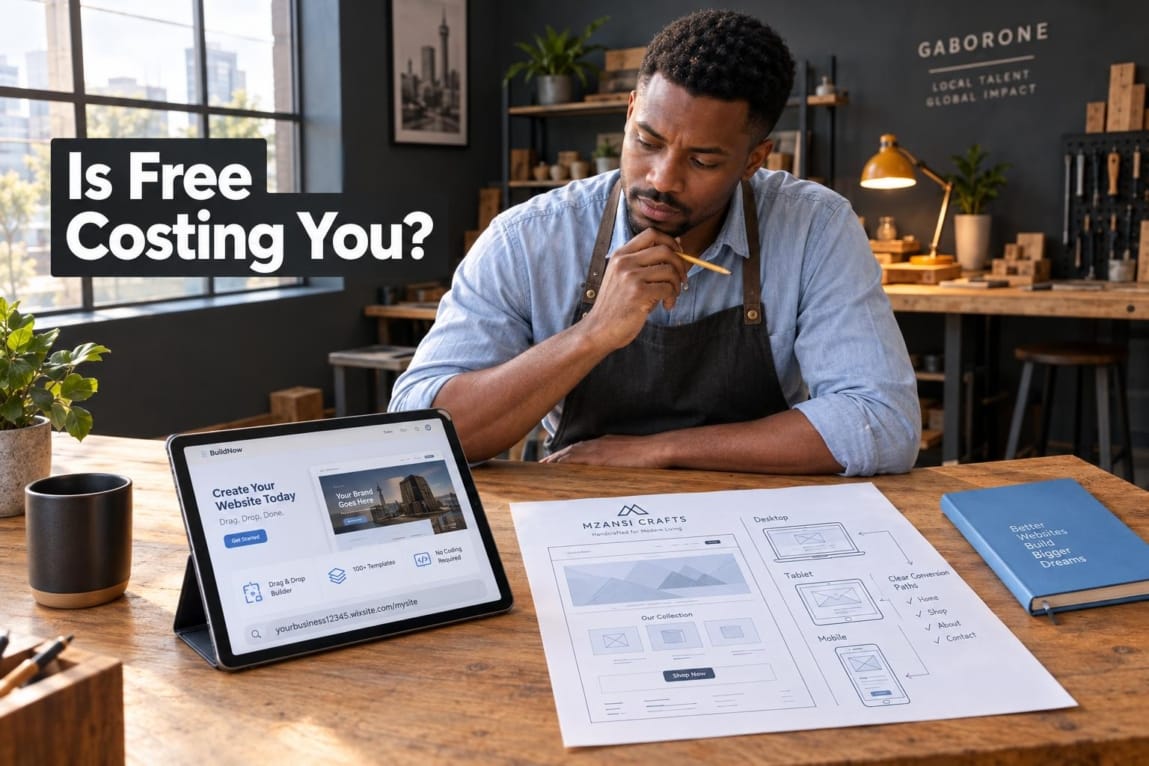
A free website for small business can be a smart first step, especially when you are testing an idea, launching a side business, or working with almost no cash. But a free builder is not automatically the cheapest option once your website needs to create trust, capture enquiries, support payments, or represent an established business.
This guide helps Botswana business owners compare DIY website builders, paid templates, freelancers, and professional web design. You will be able to choose a route based on your business stage, available time, and the job your website needs to do.
Can You Really Build a Business Website for Free?

Yes, you can create a business website for free. Free website builders can publish a basic site with your services, contact details, photos, and a simple call to action. They are useful for validating an idea before you invest heavily.
What “free” usually means is that you use the platform’s address, accept limited storage or features, and work within its branding rules. For example, Wix explains that free sites use a wixsite.com address and that connecting a custom domain requires a paid plan under Wix’s custom-domain requirements. Restrictions vary by provider: WordPress.com’s plan feature comparison shows how items such as a custom domain, an ad-free experience, and plugins may sit behind paid plans.
The important question is not simply whether you can publish a page. It is what the site must achieve: test a concept, explain your services, generate WhatsApp enquiries, build trust with procurement teams, or support online sales. That is the difference between a temporary online card and what a Botswana business website should achieve.
The 4 Paths to Launching a Small Business Website

There is no single right way to build a website for business. Each route exchanges money, time, flexibility, and support differently.
Option 1: Free Website Builders
A free builder gives you a ready-made editor, hosting, and templates without an upfront invoice. It is a practical route for a one-page launch, a basic service listing, or early feedback from friends, family, and potential customers.
The trade-off is usually a platform subdomain, limited design control, restricted integrations, and platform branding or advertising on some free tiers. You also carry the work of choosing a layout, writing pages, resizing images, setting up contact routes, and fixing problems.
Option 2: Paid All-in-One Site Builders
A paid builder is the middle ground for many small businesses. A monthly or annual subscription may let you connect a domain, remove platform branding, add more pages, use forms, and access selected commerce or marketing features.
This option can work well for a service business that needs a clean brochure site and can maintain it internally. However, you are still working within the platform’s templates, apps, checkout options, and export rules. Check the full recurring cost, renewal terms, and the exact features your plan includes before committing.
Option 3: Independent Freelancers
A freelancer may build a tailored site or configure a template for you. This can be flexible when the scope is clear and you need a defined project rather than a full agency engagement.
Quality, availability, documentation, hosting access, and maintenance arrangements can vary widely. Before paying, agree on deliverables, ownership of the domain and accounts, revision limits, launch testing, and who will assist after handover.
Option 4: Professional Web Development Agencies
A professional web development agency is usually most useful when the website is a serious business asset rather than a basic online listing. The work can include page planning, conversion paths, mobile testing, technical setup, integrations, performance considerations, and a clearer support process.
The relevant comparison is not price alone. Complexity, accountability, continuity, and the mix of skills required all matter. This guide to freelancer versus agency trade-offs in Botswana can help you assess those differences fairly.
The Hidden Trade-Offs of “Free” Website Builders
Free builders are not bad for SEO simply because they are free. A site can be eligible for search visibility if it is public, useful, and technically accessible. The issue is whether your chosen platform gives you enough control to improve the site as your business grows.
Google’s Search Essentials focus on helpful content, crawlable links, technical requirements, and avoiding spam. A builder can support some of these basics, but a restrictive plan or poorly configured template can make them harder to manage.
Branding, Subdomains, and Buyer Credibility
A free address such as yourbusiness.platform.com can be acceptable while you are testing demand. It may feel less established when you are sharing proposals, approaching corporate buyers, or asking customers to trust an online order or enquiry form.
A custom domain gives your business a consistent web address and supports a matching business email address. It does not guarantee sales or rankings, but it can make your marketing materials, Google Business Profile, invoices, WhatsApp profile, and website feel more coherent. Use a domain you control in an account your business can access, not one held only by a developer or former employee.
SEO, Indexation, and Technical Ownership
A free DIY site can appear on Google if it is not blocked from crawling, returns a successful page response, and contains indexable content. Those are part of Google’s technical requirements for indexing eligibility. Eligibility is not a promise of indexing, ranking, traffic, or enquiries.
Before choosing a platform, check whether you can edit page titles and descriptions, create useful service pages, add image descriptions, manage redirects, connect analytics, and export important content if you later move. Vendor lock-in becomes painful when your site, customer forms, and business content cannot move easily.
Mobile presentation deserves the same attention. Google uses the mobile version of content for indexing and ranking, and its mobile-first indexing guidance recommends responsive design as a maintainable approach. On a phone, a customer should still be able to read your offer, find your location or service area, and call or message you without friction.
Heavy animations, unnecessary apps, and oversized images can also affect the visitor experience. Rather than chasing one test score, review how Core Web Vitals are measured and test the real journey on the phones your customers use.
The Time-Cost Calculation: What Does DIY Actually Cost?

A free tool does not make your time free. Building a site yourself can involve learning the editor, selecting a template, writing copy, sourcing images, creating pages, connecting forms, testing mobile layouts, setting up a domain, and resolving small technical issues. The number of hours depends on your confidence, content readiness, and the complexity of the site.
Use this worksheet instead of relying on a generic hour estimate:
- List the tasks: planning, copywriting, image preparation, setup, mobile testing, domain connection, form testing, and revisions.
- Estimate your hours: be realistic about learning and troubleshooting time, not only the time spent dragging blocks onto a page.
- Assign an opportunity value: multiply those hours by what that time could produce in sales, delivery work, client service, or operations.
- Add cash costs: include domain renewal, paid builder features, apps, professional email, and any help you still need.
For example, if a founder spends 30 hours building a site and those hours would otherwise be used for paid client work or closing new business, that trade-off is part of the website cost. This does not mean hiring help is always cheaper. It means the decision should include both cash and lost operating capacity.
When you are ready to compare scope rather than guess, review Lephutshi’s current website packages and starting prices. Treat these as package context, not as a Botswana-wide market average or a final quote for every project.
When Building a Free Website Is the Right Move
DIY is a sensible decision when the risk of spending upfront is higher than the risk of a simple website. Consider starting free when:
- You are validating an unproven idea. A basic page can explain the offer and collect early interest before you invest in a larger build.
- You are testing a hobby or side business with no capital. A clear contact page and a WhatsApp link may be enough to establish whether people respond.
- You need a temporary feedback page. A simple landing page can help you show a concept, menu, portfolio sample, or service package to people you trust.
Keep the first version focused. State who you help, what you offer, where you operate, how to contact you, and what action a visitor should take. Save a copy of your wording and original images outside the builder so you can reuse them later.
Signs Your Business Has Outgrown DIY Tools
The upgrade point is usually operational, not cosmetic. Your business may have outgrown a free DIY website when visitors need more than basic information and the current platform is creating friction.
- Prospects leave without enquiring because the offer, contact options, or mobile journey is unclear.
- You need custom quote forms, booking steps, lead routing, analytics, or follow-up processes.
- You are uncomfortable sharing a platform subdomain or a site with visible platform branding in proposals and marketing.
- You need dedicated service pages, stronger local visibility, and more control over content structure.
- You need a website that reflects a repositioned brand or a growing team.
- You want to sell online and must confirm support for the payment method, checkout flow, and integration your business requires.
If these issues sound familiar, use this checklist of essential features of a Botswana small-business website to define the gaps before changing platforms.
For e-commerce, do not assume a global builder will work with every local payment requirement. Confirm compatibility with both the builder and payment provider. A provider may offer a Botswana payment gateway API, but an API alone does not mean your selected template or builder can use it without custom work. Review practical payment gateway options for Botswana e-commerce before choosing your platform.
DIY vs Professional Web Design: The Decision Matrix
Use this comparison as a decision aid, not a rule. A focused paid builder can outperform an unfinished custom project, while a professionally planned site can be worth the investment when digital enquiries or sales matter to the business.
| Evaluation factor | Free DIY builder | Paid site builder | Professional agency |
|---|---|---|---|
| Upfront cost | Usually no platform fee to start | Subscription and domain costs | Project investment based on scope |
| Setup time | Owner builds and tests it | Owner builds, with more tools available | Shared planning and delivery process |
| Custom domain | Often restricted or unavailable on the free tier | Usually supported on an appropriate plan | Can be configured under business ownership |
| Brand trust | May include a subdomain or platform branding | More polished within template limits | Designed around the business and its customer journey |
| Search engine control | Basic controls may be limited | More controls, depending on platform | Greater scope for content, technical, and measurement planning |
| Technical scalability | Best for simple validation | Suitable for many straightforward brochure sites | Suitable for integrations, tailored workflows, and growth requirements |
| Best for | New ideas, temporary pages, zero-budget tests | Established simple services with internal capacity | Growth-focused, integration-heavy, or conversion-critical websites |
If the professional route fits your needs, assess more than the design mock-up. Planning, testing, ownership, handover, and support arrangements matter. Read what to expect from a professional web development agency before comparing providers.
Action Plan: Making the Right Digital Move for Your Business
- Audit cash and time. Decide how much you can invest now and how many hours you can genuinely spare without harming sales, service delivery, or operations.
- Define the website’s core job. Is it a validation page, a credible business presence, a lead-generation tool, or an e-commerce system? The required job should determine the route.
- Choose without guilt. Start free if validation is the priority. Move to a paid builder or professional build when credibility, customer experience, ownership, and integrations become business-critical.
A free website for small business is worthwhile when it helps you start and learn quickly. Once the site needs to earn trust, reduce manual work, or generate dependable enquiries, assess the total cost of staying DIY rather than judging the decision by the initial platform fee alone.
If you have reached that point, Lephutshi Developers can help you compare website options and request a scoped quote based on the role your website needs to play.
Recommended Reading
- Why Your Botswana Business Needs a Website
- 10 Must-Have Features for a Small Business Website in Botswana
- Freelance Developer vs. Agency in Botswana
- Top Payment Methods & Gateways for E-commerce
FAQ
- Can I create a business website completely for free without ads?
Sometimes, but many commercial free plans place platform branding, advertising, or other limitations on free sites. Check the current terms of the specific builder before choosing it, because ad-free publishing and custom domains are often paid features. - Which website builder is best for a micro-business just starting out?
The best choice is the one you can use confidently to publish a clear mobile-friendly page, explain your offer, and give customers a simple contact route. A drag-and-drop builder is usually easier for beginners, while self-hosted open-source software offers more control but requires more technical management. - Can a free DIY website rank on Google?
Yes, a free DIY website can be eligible to appear in Google if it is publicly accessible and has indexable content. Ranking for competitive commercial searches is not guaranteed and depends on many factors, including useful content, technical setup, relevance, and the competition. - When should a small business hire a professional web designer?
Consider professional help when your website is important for winning clients, presenting a more credible brand, collecting leads, supporting online sales, or integrating tools that a basic builder cannot handle well. It is especially useful when owner time is becoming more valuable than the cost of structured implementation.